Live TV
Channels playing right now, sorted into groups such as news, sport, films, kids or a country. You flick through them with the remote like any TV.
Adults only
This website contains adult content. By entering you confirm you are at least 18 years old (21 where required) and that viewing adult material is legal where you live.
Basics · Start here
What is IPTV? It is television that reaches you through your internet connection instead of an aerial, a satellite dish or a cable socket. You type a login into an app, and live channels, films and missed shows stream to your TV, phone or computer. The rest of this page explains how that works and what you need at home, with links to our device setup guides when you are ready.

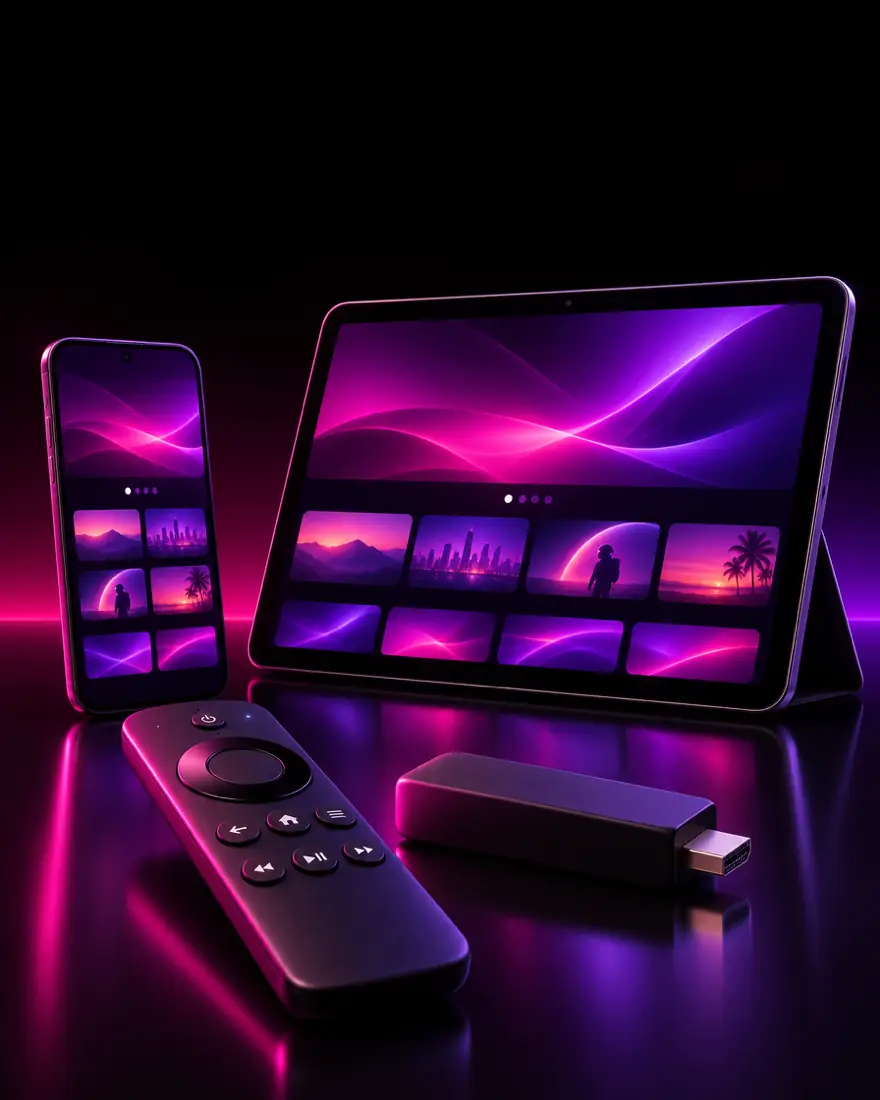
The one-minute version
The letters stand for Internet Protocol Television. Strip away the acronym and the idea is simple: the same TV channels you would get from a set-top box, delivered as a data stream over broadband, the way a video call or a music service reaches you.
Three pieces make it work. A service that carries the channels. A player app on your device that shows them. A login that connects the two. Change your TV, keep the login. Move house, keep the login. Nothing gets installed in the wall.
The Wikipedia entry on IPTV covers the history and the telecom side. For a viewer, the practical answer to what is IPTV is shorter: do you have a decent connection and a screen that can run an app? If so, you can watch.
Inside the app
Most services are built around the same four shelves. The names change from app to app, the idea does not.
Channels playing right now, sorted into groups such as news, sport, films, kids or a country. You flick through them with the remote like any TV.
A library you start whenever you like, with pause and resume. Big services list tens of thousands of titles.
Shows that aired in the last few days, replayed from the server. Not every service or channel has it.
The grid of what is on now and next, downloaded alongside the channels.
Player apps let you hide or PIN-lock whole groups, which matters in a shared home and for the adult section in particular.
Behind the sign-in
When you subscribe, you do not receive a box or a card. You receive text: a few lines that tell a player app where the channels are and that you are allowed to open them.
The most common format is a server address, a username and a password. You type them into an app such as TiviMate or IPTV Smarters, and the app pulls live channels, films, series and the guide in one go. It is the easiest to type on a remote and the most complete.
An M3U playlist is a single web address that lists every channel. Almost any player accepts it, including VLC on a computer. The guide often needs a second link. Our M3U vs Xtream Codes guide explains when to choose which.
MAG set-top boxes skip the username entirely. The service registers the box's MAC address, you type a portal address once, and the menus appear. Details are in the MAG box guide.
Whichever format you use, one login normally equals a set number of screens playing at the same time. Start a second stream beyond that limit and one of them stops.
The part people mix up
Most confusion comes from treating the app and the service as one thing. They are separate, and you usually get them from different places.
| The IPTV service | The player app | |
|---|---|---|
| What it is | The channels, films and guide data on servers | The software that plays them on your screen |
| Where it comes from | A provider, who sends you a login | An app store, or the developer's own site |
| What you pay | A subscription, monthly, yearly or one-off | Often free, sometimes a small fee for extras |
| Examples | Your subscription line | TiviMate, IPTV Smarters, IBO Player, VLC |
| If you switch | New login, same app | Same login, new app |
| When something breaks | Channels missing or not loading anywhere | Only one device or app misbehaves |
A good test: if a channel fails in two different apps on two devices, the issue is on the service side. If it only fails in one app, look at that app first.
Shopping list
You probably own most of this already.
From zero to first channel
The order matters a little: get the device and app ready before the login arrives, so you can test straight away.
Decide which TV or device you will use most. A cheap streaming stick on an older TV often beats a smart TV's own app store for choice of players.
Get a player from the device's store, or side-load it on Fire TV. The devices hub lists a guide for each platform.
Match the number of screens to the TVs that will play at the same time, and the quality to your connection.
Type the server address, username and password exactly, including http:// and any port number after a colon.
The first load downloads thousands of channels and the guide. One to three minutes on a stick is normal.
Set a PIN and lock any groups that should stay private before handing the remote to anyone else.
Honest limits
Three limits are worth knowing before you cancel anything.
It depends on your internet. If the line drops, the picture drops. If three people stream 4K over the same weak Wi-Fi at 9 pm, something buffers. Weak Wi-Fi causes many of these problems. The buffering guide walks through the usual fixes in order.
Live channels also run a little behind a traditional broadcast, typically somewhere between a few seconds and half a minute, because the stream is packaged into short chunks before it travels. For films nobody notices. For a live match with a neighbour who has cable, you might hear the cheer first.
And a login is not a device. Lose the details and the screen goes quiet until you add them again, so keep the original message.
Think of the service as the channels and the app as the TV set. You can change either one without losing the other.
Same login, four screens
The most TV-like option. The remote controls everything, the guide fills the screen and channels change in about a second. Fire TV and Android TV run the widest range of players.
Samsung and LG sets run their own app stores with a smaller choice of players. They work well for live TV; some apps charge a small activation per TV. The smart TV guide covers both brands.
Ideal in bed or on the move. On mobile data, budget several gigabytes per hour for Full HD and far more for 4K, so stay on Wi-Fi when you can.
VLC opens an M3U link in seconds, which makes a laptop a handy way to check whether a login works. For daily viewing a dedicated player with a guide is more comfortable.
Pick a plan, message us on WhatsApp and your login usually arrives within minutes of payment.
FAQ
It is the player you install on your TV stick, smart TV, phone or computer to watch an IPTV service. TiviMate, IPTV Smarters, IBO Player and VLC are common examples. The app holds no channels of its own; it shows whatever your login gives you access to, so the same app works with any provider.
The player is the software, the subscription is the content. You can use one subscription in several players, for example TiviMate on the living-room Fire TV and IPTV Smarters on a phone, as long as you stay within the number of screens your plan allows at the same time.
Install a player app on the TV or on a streaming stick plugged into it, then enter the login your provider sends. With our service you choose a plan, order on WhatsApp and receive Xtream Codes and M3U details, usually within minutes. Setup on a Fire TV Stick takes about ten minutes.
Plan on about 10 Mbps for each HD stream and 25 Mbps for each 4K stream, with some headroom for the rest of the household. Stability matters as much as speed, so a cable to the main TV or a strong 5 GHz Wi-Fi signal makes a bigger difference than a faster package.
No. Any device that runs a player app will do: Fire TV, Android TV, Apple TV, many Samsung and LG TVs, phones, tablets and computers. MAG boxes are dedicated IPTV receivers that use a portal instead of an app, but they are optional.
Netflix is mostly on-demand titles inside its own app. IPTV usually centres on live channels with a TV guide, adds a film and series library, and works in third-party player apps you choose. Both travel over the internet, which is why they get grouped together.
More guides
You fell asleep before the end of Tuesday's 9 pm film. With IPTV catch up you scroll back in the TV guide, select it and press play: the server kept
ReadComparisonIPTV vs cable comes down to a trade: IPTV is far cheaper and carries more channels, while cable is steadier because it does not depend on your home
ReadTV guideYou open the guide and every row says No Information , or the 9 pm film is listed at 8. Both have the same root: the IPTV EPG is a separate file yo
Read