STB blocked or portal not found
The MAC may not be registered yet or was typed wrong. Check the URL, trailing slash included, and send us the MAC again.
Adults only
This website contains adult content. By entering you confirm you are at least 18 years old (21 where required) and that viewing adult material is legal where you live.
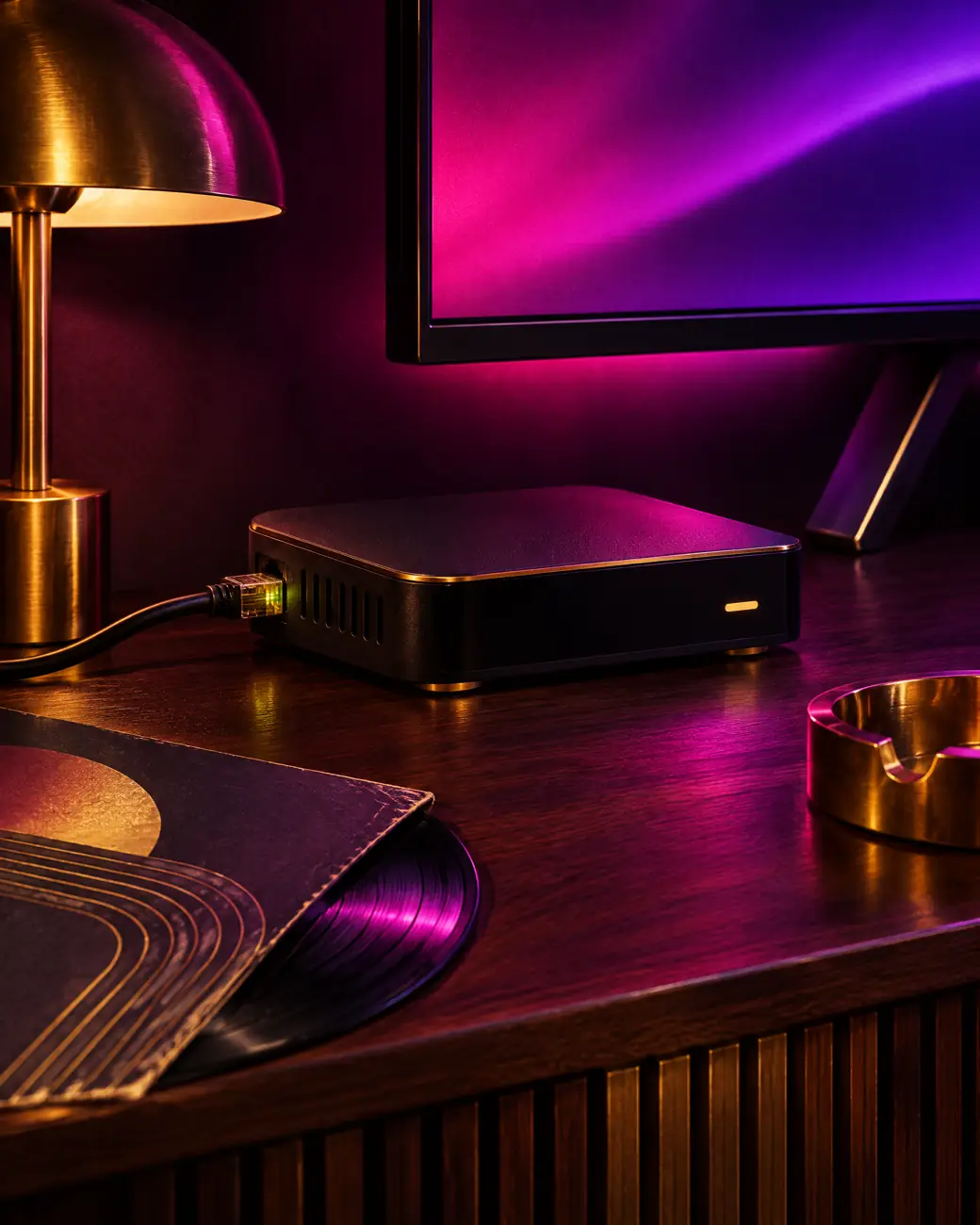
Device guide · MAG set-top box
An adult IPTV MAG box works like a classic cable receiver: we register its MAC address, you type one portal URL, and the full lineup appears in a TV-style menu. Prefer apps? See the other device guides.

Portal, not playlist
MAG boxes by Infomir do not run playlist apps. They connect to a portal, a server-side menu that delivers channels, the guide and VOD in one interface. Instead of a username and password, your line is tied to the box’s unique MAC address.
When you order on WhatsApp, send that MAC with your plan choice. We register it and reply with the portal URL. You type it once, reboot, and live channels, the TV guide, the VOD library and the adult groups load in the portal menu.
The portal does the heavy lifting, so the box itself has little to run. There is nothing to update except the box firmware itself.
Have these ready
Three items and one decision. That is all an adult IPTV MAG box portal setup asks of you.
Seven steps
The menus below match current MAG firmware. Older boxes use the same order with slightly different labels, and any adult IPTV MAG box from the last decade follows it.
Turn the box over and note the MAC on the sticker, usually starting with 00:1A:79. It also shows on the boot screen and under System information.
Message the MAC with your plan choice. After payment we register the box and reply with your portal URL, usually within minutes.
Switch on the box and press Setup or Settings on the remote. Choose System settings, then Servers, then Portals.
Type any label as Portal 1 name. In Portal 1 URL enter the address exactly as sent, including http:// and the trailing slash. Select OK.
Go back and choose Reboot, or restart the portal. The box loads the portal and shows live TV, VOD and the TV guide.
In the portal open Settings, then Parental control, and change the default code to your own. The parental code guide explains each option.
Open a few live channels and a film, check the guide shows listings, and add favourites from the channel list options.
Model guide
Every current Infomir model runs our portal. The adult IPTV MAG box you need depends on whether you want 4K.
| MAG 322 / 324 | MAG 520 / 522 | MAG 524 / 544 | |
|---|---|---|---|
| Maximum resolution | Full HD | ✓4K | ✓4K |
| HEVC decoding | ✓HD only | ✓yes | ✓yes |
| Wi-Fi | ✗cable or dongle | ✓on W models | ✓built in |
| Menu speed | Good | Fast | Fastest |
| Best plan match | Standard | Prime, Prime Lifetime | Prime, Lifetime, Elite |
Use a 4K television and roughly 25 Mbps for the 4K channels on Prime, Prime Lifetime and the Elite Server. Older HD models stay a sensible choice for the Standard plan.
No app updates, no logins to retype. A MAG box just boots into television.
Is MAG right for you?
A portal box is not for everyone. Pick the tab that sounds like your home.
You want a box that behaves like a cable receiver. Someone in the home dislikes app menus, logins and updates. You watch mostly live channels with the guide open, and you are happy to keep the box on a network cable.
An adult IPTV MAG box suits this perfectly: power on, portal loads, channels play. Nothing to sign into again after a power cut.
You switch between rooms and devices often, browse films more than live TV, or want TiviMate’s grid guide. App logins move between a stick, a phone and a laptop in seconds; a MAG line stays tied to one MAC.
Start with the Firestick guide or a Google TV box in that case.
You can keep a MAG box in the living room and use app logins upstairs. On a 2-screen, 3-screen or 4-screen plan we set up a portal for the box and an Xtream Codes login for the rest. Just tell us the mix on WhatsApp when you order.
Keep it private
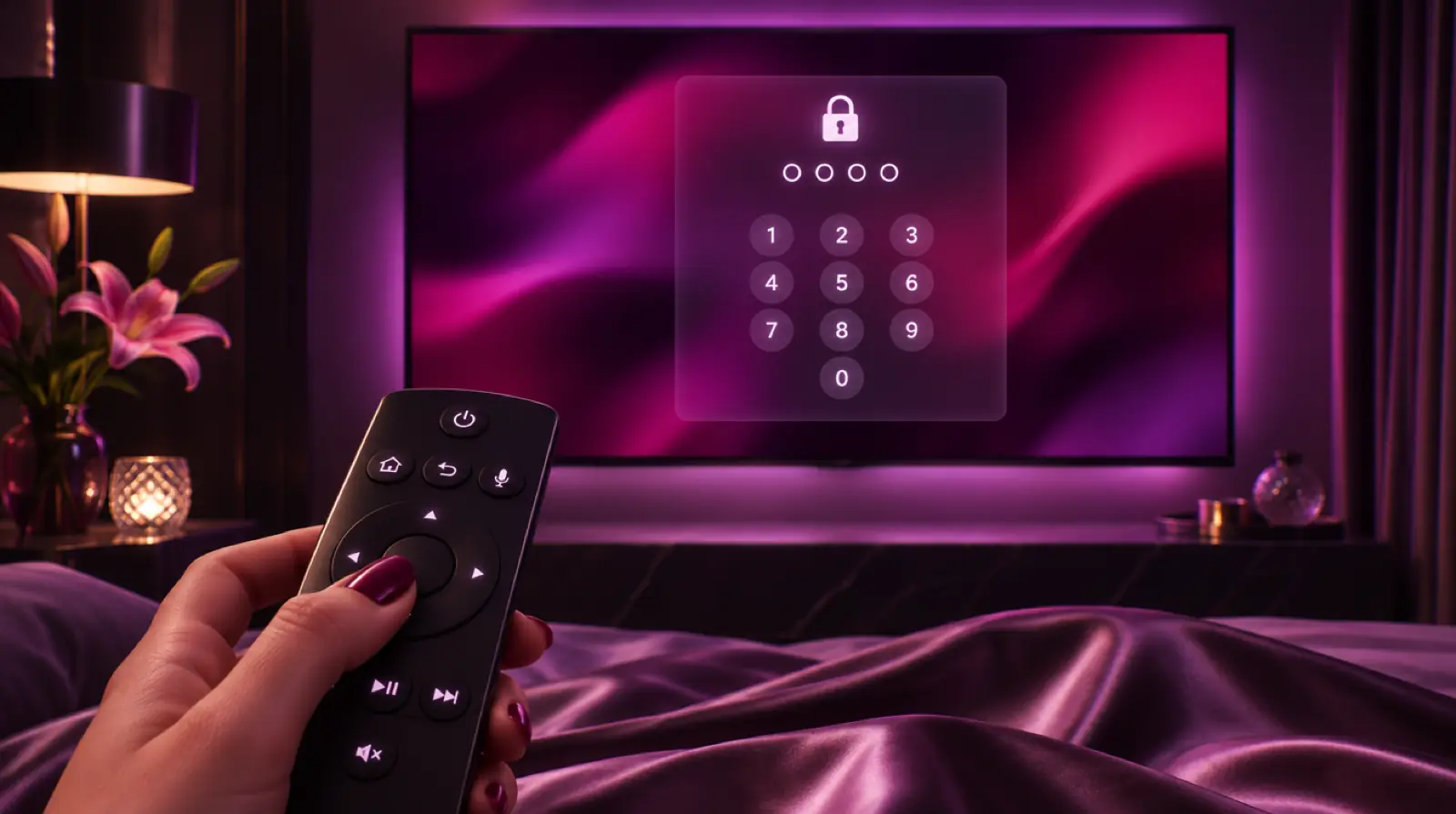
On MAG portals the adult categories sit behind a parental code. Change the default code the first evening.
Open the portal settings from the Menu or gear key, choose Parental control, enter the current code, then set one that nobody in the home can guess. From then on the adult groups ask for it before opening.
Your line follows the MAC address. Send the new box’s MAC on WhatsApp and we move the subscription across. The old box stops loading the portal at the same moment.
Portal problems
Portal errors look alarming but usually trace back to one of these six causes. Work down the grid before messaging support.
The MAC may not be registered yet or was typed wrong. Check the URL, trailing slash included, and send us the MAC again.
Check the cable, run Settings, Network, connection test, then reboot router and box.
Enter your parental code, or see adult channels not working.
Update firmware from Settings, Software update, prefer Ethernet, and read stop IPTV buffering.
Set the correct zone in Settings, System settings, Time settings. Catch-up relies on the box clock.
Our Android TV box guide is the natural next step.
Extras
On plans with catch-up, supported channels show an archive marker in the portal guide: 3 days on Prime and Prime Lifetime, 7 days on the Elite Server. Select a past programme and it plays from the start.
The guide itself is standard EPG data pulled by the portal, so there is nothing to configure beyond the time zone.
Want a second room? Each MAG box needs its own registered MAC and uses one screen. On multi-screen plans we can mix MAG portals with app logins for phones or sticks, all on one subscription.
Message us on WhatsApp with your box’s MAC address and plan, and your adult IPTV MAG box portal is usually live within minutes of payment.
FAQ
All current Infomir models work with our portal, including the MAG 322, 324, 520, 522, 524 and 544 ranges. For the 4K channels on Prime, Prime Lifetime and the Elite Server, use a 4K-capable model with HEVC support connected to a 4K television.
MAG portals authorise boxes by MAC address instead of a username and password. Registering it links your subscription to that box. The MAC identifies the device only, reveals nothing about your other devices, and is used solely to authorise portal access.
The portal line is tied to the registered MAC. If you also want to watch on a phone or Fire TV, ask us for an M3U or Xtream Codes login and choose a plan with enough screens. Multi-screen plans can mix MAG and app logins.
Many portals start with a simple default such as 0000, which is exactly why you should change it straight away. Open the portal settings, choose Parental control, enter the current code and set a new one only you know.
Yes. Prime and Prime Lifetime include 3 days of catch-up and the Elite Server 7 days. Supported channels show an archive marker in the portal guide; select a past programme to play it from the beginning. Make sure the box time zone is correct first.
Not necessarily. Most MAG models are built around an Ethernet port, which is the most stable connection for live television. Newer 524 and 544 boxes add built-in Wi-Fi, and older models accept a supported USB dongle if a cable is impossible.
Adult IPTV plans
€39/yr€59
€69/yr€99
€129once
€299once€459
Every plan: free VPN link, every IPTV app, parental PIN, EPG, 60-day money-back guarantee. Compare all 7 offers.