Developer options missing
Recent Fire OS hides the menu. Go to Settings, My Fire TV, About and press Select on the device name seven times.
Adults only
This website contains adult content. By entering you confirm you are at least 18 years old (21 where required) and that viewing adult material is legal where you live.
Device guide · Fire TV
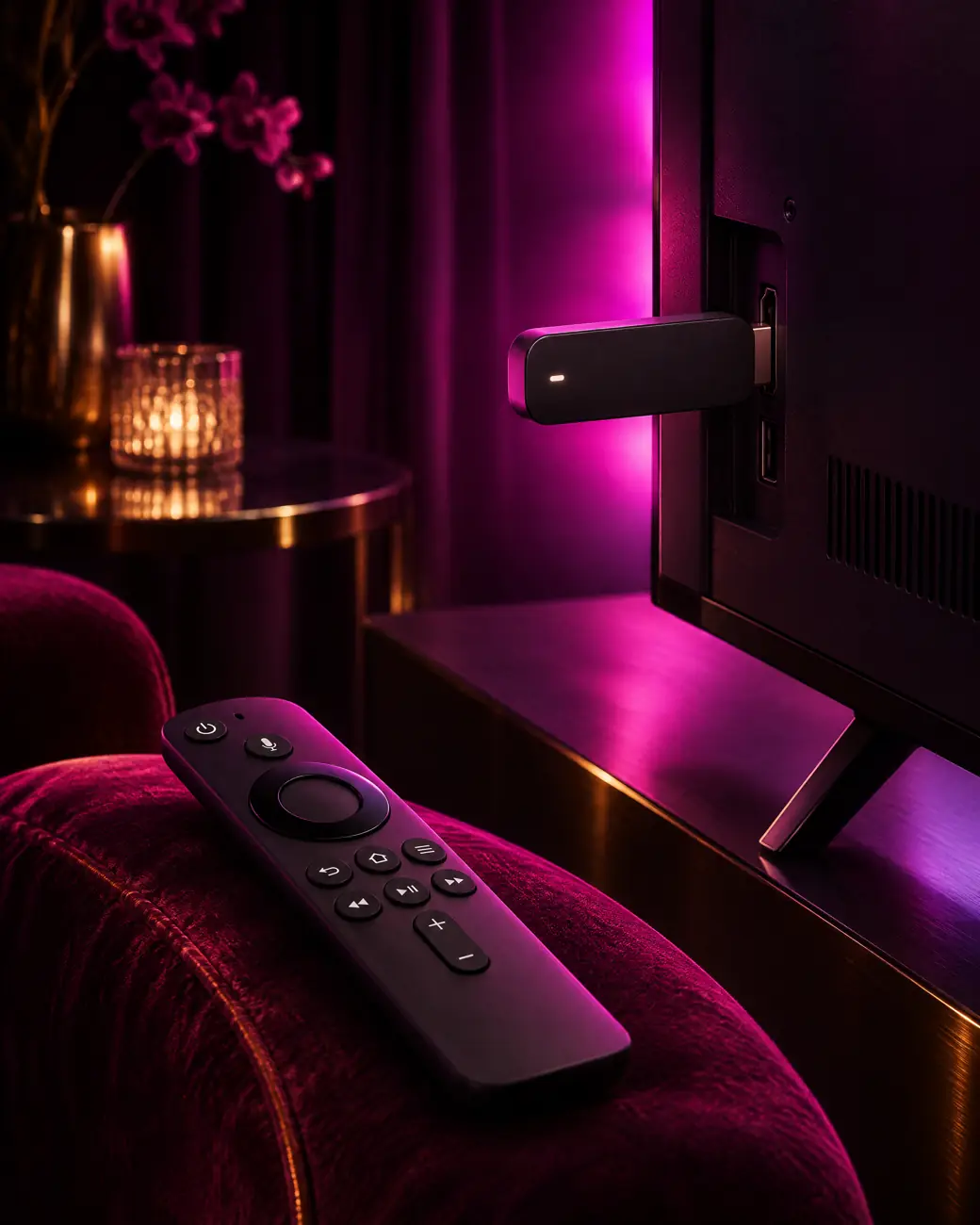
Turn any Fire TV Stick, Fire TV Cube or Fire TV television into a private adult IPTV Firestick player in about five minutes, with the adult section locked behind a PIN only you know. New here? Start with the device overview.
Two-minute prep
Gather these first and the install runs without a single pause.
The method
These menus match current Fire OS builds, and you only run them once per adult IPTV Firestick. Older sticks use slightly different labels, which we note where it matters.
From the home screen open Settings, then My Fire TV. If Developer options is missing, open About and press Select on your device name seven times until the screen confirms you are a developer.
Open Developer options and switch on Apps from Unknown Sources. On newer Fire OS versions the menu is called Install unknown apps, and you enable it for Downloader once Downloader is installed.
Back on the home screen choose Find, then Search, type Downloader and install the free app by AFTVnews. Open it and allow file access when asked.
In Downloader, type the official address of TiviMate or IPTV Smarters Pro that we send on WhatsApp. Press Go, let the file download, then select Install and Done.
Open the player, pick the Xtream Codes login and enter the server URL, username and password exactly as sent. Channels, films and the TV guide load within a minute or two.
Open the player’s parental settings, create your PIN and tick every adult category. The PIN unlock guide shows each player’s menu.
Play one channel from each category, confirm the guide shows listings, then star the channels you watch most. Your stick now opens straight to them.
Pick your player
Your login works in every player below. You can install two on the same stick, try both for an evening, and keep the one whose menus feel right.
Best for live TV. TiviMate gives your stick a cable-style grid guide, near-instant zapping and locked groups that stay invisible until the PIN is typed. It handles very large lineups without lag, which matters on Prime and Elite.
The free version covers live TV and the guide. Catch-up and multiple playlists need TiviMate Premium, bought separately from its developer. Full settings are in our TiviMate walkthrough.
Best for films and series. Smarters splits everything into Live TV, Movies and Series, so browsing the adult VOD shelves feels like a streaming app. Parental control is built in and works per category.
It also runs on phones, tablets and computers, so one familiar interface follows you around the house. Our Smarters guide covers profiles and player engines.
Best for older sticks. On a first-generation stick, XCIPTV is light and quick, and suits the Lite too, while IBO Player offers a clean, simple layout that suits people who just want to press play.
Both accept the same Xtream Codes details. Ask us on WhatsApp for the current official download link before typing it into Downloader, so you always install a clean, up-to-date build.

Why it works
An adult IPTV Firestick costs little, hides behind the TV and plugs into any HDMI port. It runs TiviMate and IPTV Smarters, and the 4K and 4K Max models decode the 4K streams in Prime, Prime Lifetime and Elite without effort.
Amazon does not list IPTV players in its own store everywhere, so side-loading with Downloader is the usual route. You do it once. After that, the full lineup appears, including the adult channel groups and the adult VOD library.
Curious about the hardware itself? The Amazon Fire TV family page lists every generation and its video specs.
Lite or 4K Max?
Every model runs an adult IPTV Firestick setup. The difference is picture ceiling and how fast menus feel with a big lineup.
Side-load once, log in once, lock once. After that the stick simply works.
Fix it fast
Six common Fire TV problems, each with a quick fix.
Recent Fire OS hides the menu. Go to Settings, My Fire TV, About and press Select on the device name seven times.
Open Developer options, Install unknown apps, and make sure Downloader is set to On.
Check the URL starts with http:// and includes the port. Remove stray spaces from username and password.
They are usually hidden by the parental lock. Follow adult channels not working to show them again.
Move to 5 GHz or Ethernet, switch the player’s decoder, and read our buffering fix guide.
Clear the player cache under Settings, Applications, Manage Installed Applications, and restart the stick weekly.
Long-term care
A few habits keep the stick quick for years. Restart it once a week by holding Select and Play/Pause together for five seconds. Close apps you no longer use, because older sticks have little memory to spare.
If your internet provider slows down streaming in the evening, switch on the free VPN link included with every plan before opening the player. The IPTV VPN guide shows the setup on Fire TV.
A stick in the lounge and another in the bedroom can stream together on a 2-screen plan. Larger households can look at Prime Lifetime or the Elite Server; both sticks use the same login.
Order on WhatsApp, receive your adult IPTV Firestick login within minutes of payment confirmation, and follow the seven steps above.
FAQ
Yes. The Lite plays Full HD channels and films smoothly, which matches the Standard plan. For the 4K streams on Prime, Prime Lifetime or Elite you need a Fire TV Stick 4K, 4K Max or Fire TV Cube, because the Lite cannot output 4K resolution at all.
Downloader only fetches the file from the address you type, so safety depends on the source. Use the official links for your player, which we send on WhatsApp. Once the player is installed you can switch Apps from Unknown Sources off again if you prefer a tighter setup.
Xtream Codes is usually better on a stick because it loads live TV, films, series and the TV guide in one go. The M3U link is a single playlist and may need a separate guide link. Our M3U vs Xtream Codes guide explains when each one makes sense.
The adult groups are hidden behind a parental PIN by design. Open the player’s parental settings, enter or create your PIN and switch the adult categories to visible. If they still do not appear, refresh the playlist or message us on WhatsApp so we can check your line.
Your plan sets how many can play at once; the pricing table lists the screens for each plan. You can install your login on more sticks than that, but only your plan’s number of screens can play at once.
Yes, on plans that include it: 3 days on Prime and Prime Lifetime, 7 days on the Elite Server. In TiviMate catch-up needs the Premium upgrade, while IPTV Smarters shows it for free on supported channels in the TV guide.
Adult IPTV plans
€39/yr€59
€69/yr€99
€129once
€299once€459
Every plan: free VPN link, every IPTV app, parental PIN, EPG, 60-day money-back guarantee. Compare all 7 offers.