A code nobody guesses
Not your phone code, not 1234, not a birthday anyone in the house knows.
Adults only
This website contains adult content. By entering you confirm you are at least 18 years old (21 where required) and that viewing adult material is legal where you live.
Guide · Parental PIN
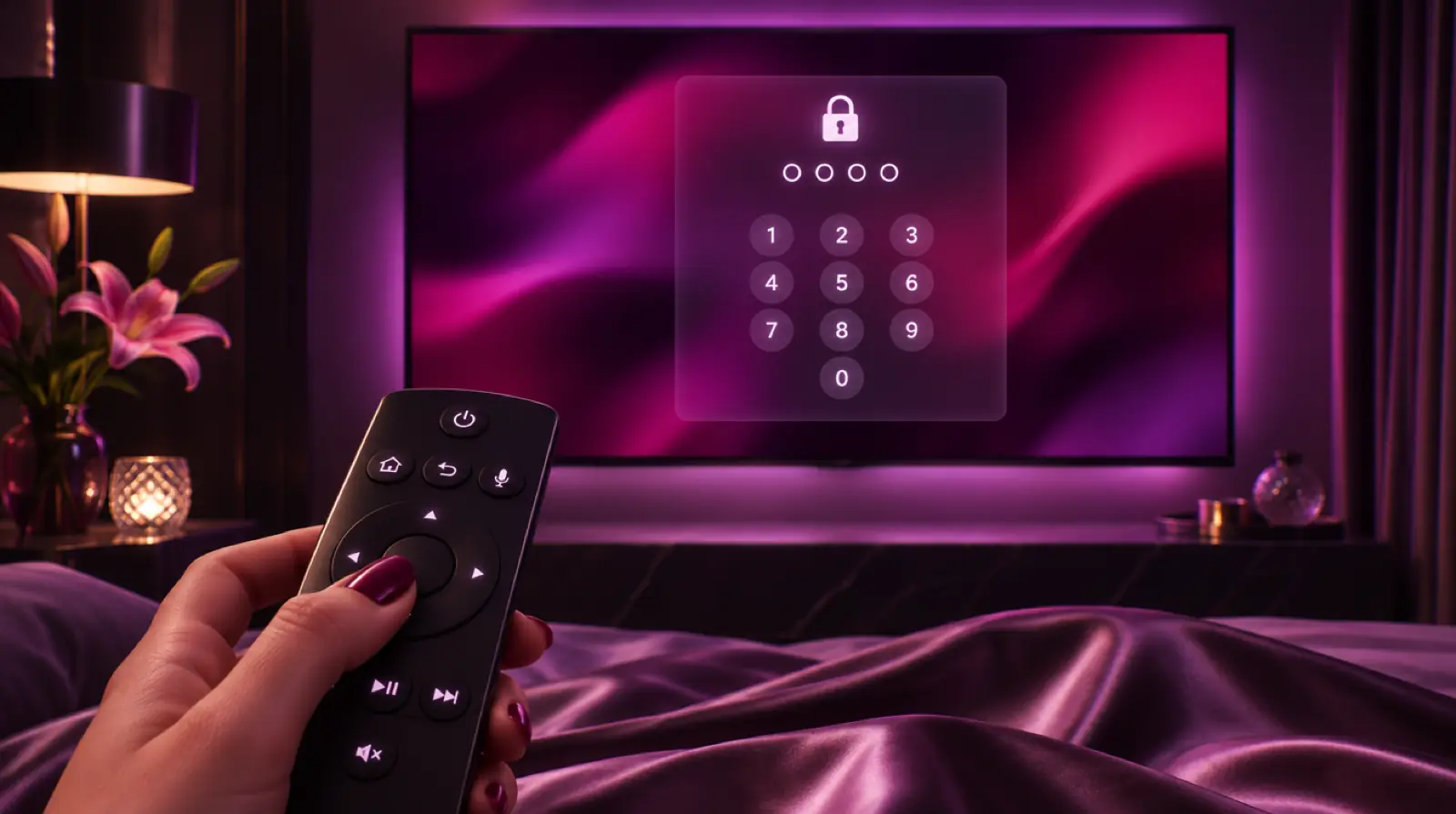
To unlock adult channels you need one thing: the parental PIN you set in your IPTV app. Below are the exact menus for switching the adult groups on, opening them and locking them again in each popular player. New here? Read the guides overview first.

Start here
Adult channels and films are part of every plan, from Standard to the Elite Server. For privacy they sit behind parental control. You set a PIN once, then type it whenever you want to open an adult group. Everyone else using the TV sees the regular lineup.
This is standard parental control behaviour, the same mechanism TVs use to restrict any content. The difference here is that you decide the code and which groups it guards.
The PIN lives in your app, not on our servers. Each app on each device has its own code, you choose it, and you can change it at any time. Install a new app and you set the PIN again there. Default codes, changing the code and resetting a forgotten one are covered in the parental control password guide; this page is about the adult groups themselves.
Load your login and wait for the channel list to appear. No device set up yet? Follow the matching device setup guide first.
Exact menus
Pick your player below. Menu names shift slightly between versions; if a label differs, look for Parental, Lock or Protected. The goal is the same in each: set a code, then use it to unlock adult channels when you want them.
To change the code, return to Parental Control and use the update option. Full install steps: IPTV Smarters guide.
TiviMate can also ask for the PIN at app start or when settings change, which suits shared TVs. See the TiviMate setup.
XCIPTV: Settings → Parental Control, set a PIN, select the adult categories. Some versions can hide them completely until the code is entered.
IBO Player (Samsung, LG, Android): open settings, choose Parental Control or Change Parental Password, set your code, then lock the adult categories from the category list.
GSE (iPhone, iPad, Apple TV): enable parental control in the app settings, set a passcode, choose the groups to protect.
MAG boxes: in the portal, open Settings → Parental and change the password. The MAG box guide covers the portal itself.
Any app
The same sequence works everywhere, whatever the menu is called.
Add your Xtream Codes details or M3U link and wait for the full channel list to load.
Go to the app settings and find Parental Control, sometimes labelled Parental, Lock or Protected.
Create a code and confirm it. Avoid your phone unlock code or bank PIN.
Select adult categories in Live TV, Movies and Series, mark them locked or hidden, then save.
Browse to an adult group, select it and type your PIN. It stays open for this session.
Exit the group or restart the app. Next time, the PIN is requested again.
Two levels of privacy
Most apps offer both, and they solve different problems. Locking keeps a padlock visible; hiding removes the group until you need it, the cleanest way to hide adult channels on a shared TV. Either way, the same PIN is how you unlock adult channels later.
| Lock a group | Hide a group | |
|---|---|---|
| Visible in the list | ✓Yes, with a padlock | ✗No, it disappears |
| Opens with PIN | ✓Yes | Only after you unhide it |
| Best for | Personal or adults-only screens | Shared TVs with children or guests |
| Where (TiviMate) | Long-press the group | Settings → Playlists → Manage groups |
| Risk of confusion | Low | You may forget it exists |
A hidden group can look as if the adult section has vanished. If you cannot find them, see adult channels not working.

Households
On a multi-screen plan, each device runs its own app, so each has its own parental control. A typical home might use a Fire TV Stick in the living room, a smart TV in the bedroom and a tablet.
Locking the adult groups on one screen does not lock them on the others, so repeat the steps on every device. Each screen keeps its own lock, so a child's tablet stays locked.
Shared homes
Once the section opens, keep it private:
Not your phone code, not 1234, not a birthday anyone in the house knows.
Locking only Live TV leaves the adult film groups open. Tick all three sections.
Check Recently watched or Continue watching rows and clear them if the app allows.
On multi-screen plans, keep one device for personal viewing.
The free VPN link keeps viewing private on hotel or office Wi-Fi. Setup in the IPTV VPN guide.
Quick fixes
If you can unlock adult channels but the group stays blank, run these.
Tell us your device and app on WhatsApp and we will show you where to unlock adult channels in that exact menu.
FAQ
Yes. Adult channels and films come with every plan: 3,000 titles on Standard, 6,000 on Prime and Prime Lifetime, and 9,000 on the Elite Server. Nothing extra needs activating on our side. You only need to set the parental PIN in your app, then unlock adult channels whenever you choose.
On a Fire TV Stick the adult groups live inside your player app, not in Fire OS. Open TiviMate or IPTV Smarters, go to its parental control settings, set a PIN, then lock or unhide the adult groups. Fire TV's own Parental Controls only add an extra PIN in front of the app.
Each device keeps its own code, but you can choose the same one everywhere if you prefer. Changing it on one screen does not affect the others. On multi-screen plans, set the PIN on every device before anyone else uses it, especially on shared TVs. Each screen asks for its own code when you unlock adult channels there.
Usually the app is showing an old cached playlist, or the group is hidden rather than locked. Refresh the playlist, log in with Xtream Codes if adult films are missing, and restart the app. The adult channels not working guide lists every other cause in order.
Adult IPTV plans
€39/yr€59
€69/yr€99
€129once
€299once€459
Every plan: free VPN link, every IPTV app, parental PIN, EPG, 60-day money-back guarantee. Compare all 7 offers.