Every player available
TiviMate, IPTV Smarters Pro and XCIPTV all install from Google Play. No side-loading on certified boxes.
Adults only
This website contains adult content. By entering you confirm you are at least 18 years old (21 where required) and that viewing adult material is legal where you live.
Device guide · Android TV & Google TV
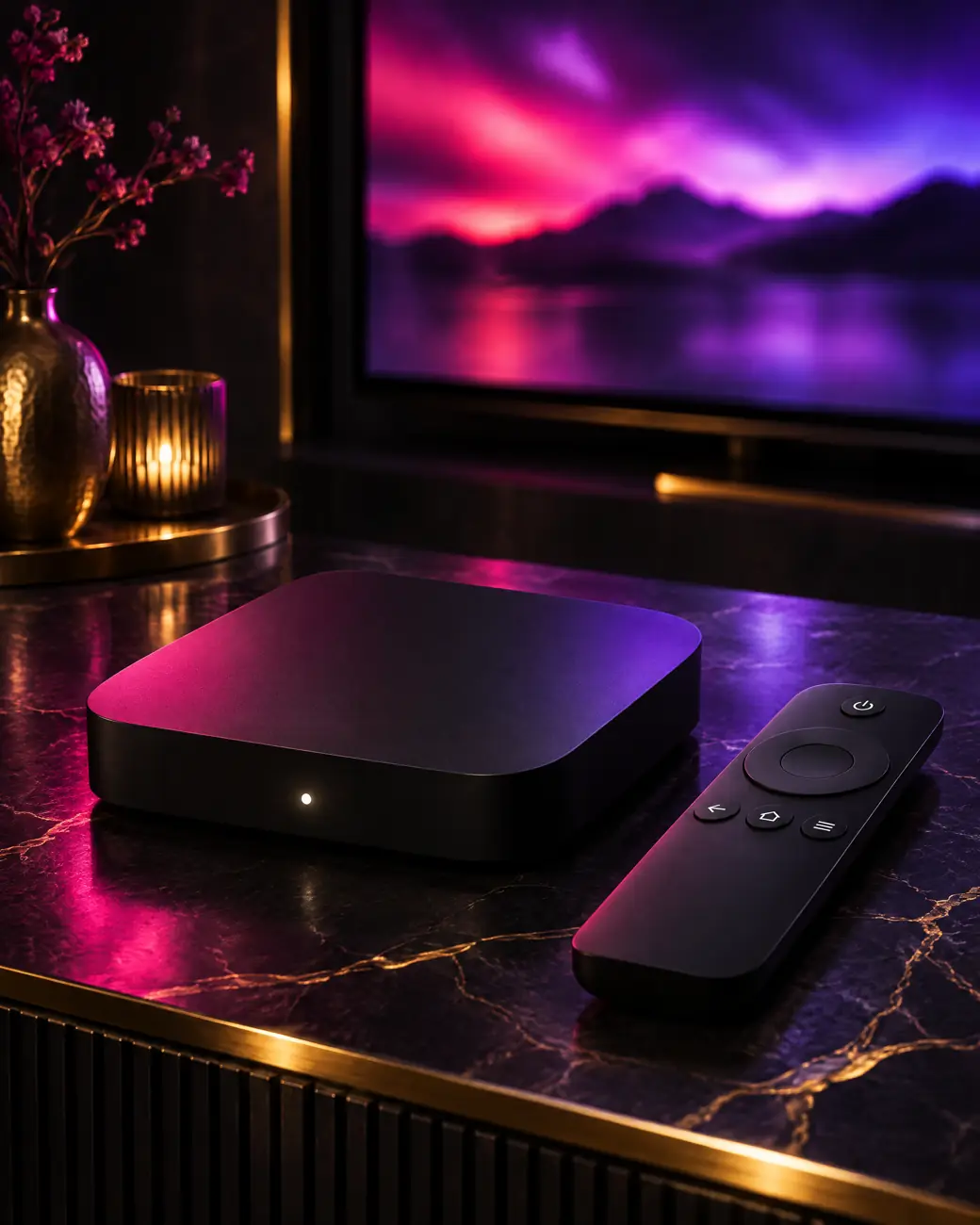
An adult IPTV Android TV box gives you every major player straight from Google Play, 4K on capable hardware and full control over settings. Compare it with other screens in our device hub.
The flexible choice
Android TV and Google TV are open platforms. That openness is exactly what a large IPTV lineup needs.
TiviMate, IPTV Smarters Pro and XCIPTV all install from Google Play. No side-loading on certified boxes.
Boxes with 4K HEVC decoding play the 4K channels and adult VOD films on Prime and Elite.
Most serious boxes have a network port, the single best fix for evening buffering.
Sony, Philips, TCL and Hisense sets run Android TV, so the same steps apply without any box.
Players hide whole adult categories behind your PIN, invisible to anyone browsing the guide.
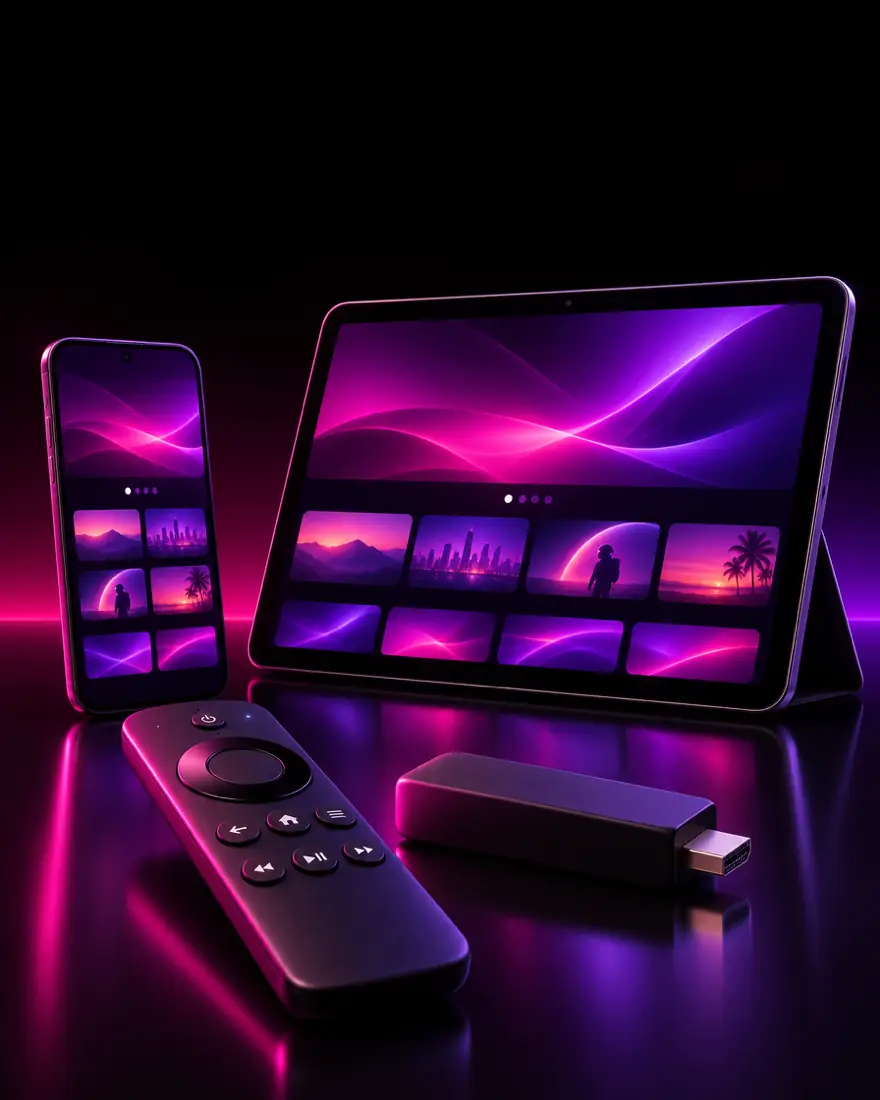
Android phones and tablets use touch versions of the same players and your same login.
Hardware check
Any certified box runs an adult IPTV Android TV setup. Processor and network port decide how smooth 4K feels, and how quickly the guide scrolls through a large lineup.
| Nvidia Shield | Google TV Streamer / Chromecast | Budget & generic boxes | |
|---|---|---|---|
| 4K HEVC playback | ✓excellent | ✓very good | ✓varies by chip |
| Google Play | ✓yes | ✓yes | ✗often missing |
| Ethernet | ✓built in | ✓Streamer built in, Chromecast via adapter | ✓usually built in |
| Guide speed with 80,000+ channels | ✓instant | ✓fast | ✗can lag |
| Best plan match | Prime, Lifetime, Elite | Prime, Lifetime | Standard (Full HD) |
Xiaomi Mi Box and Formuler models sit between the middle and right columns. More on the platform itself on the Android TV page.
Seven steps
Allow about eight minutes. The steps are identical on Google TV, with the Apps tab replacing the Play Store icon, and on any television running Android TV or Google TV.
Connect the box, preferably by Ethernet, and install pending system updates from Settings so players run reliably.
From the home screen open the Play Store, or the Apps tab on Google TV, and sign in with your Google account if asked.
Search for TiviMate, IPTV Smarters Pro or XCIPTV and select Install. Boxes without Google Play use Downloader instead, explained in the tabs below.
Open the player, choose Xtream Codes, then enter the server URL, username and password from WhatsApp. Channels, VOD and the guide load in a minute.
Open parental control, create a PIN and lock every adult group. Menus for each player are in the PIN lock guide.
Play one 4K and one HD channel. If either stutters, switch between hardware and software decoding in the player’s playback settings.
Add your most-watched channels to favourites so they sit at the top of the list and the guide, no scrolling required.
Your situation
Not every Android device ships the same way. Pick the tab that matches yours.
Shield, Google TV Streamer, Chromecast with Google TV, Mi Box and branded Android televisions are certified. Install straight from Google Play. Updates arrive automatically and you never touch a security setting.
If a player is missing from Play in your country, ask us on WhatsApp for the official alternative link.
A certified box is the cleanest adult IPTV Android TV route: the player stays updated, and a factory reset never loses more than your login, which takes a minute to re-enter.
Some generic boxes run plain Android without the Play Store. Install the free Downloader app or use the built-in browser. Then open Settings, Device Preferences or Security, Unknown sources, and allow the app you use to download.
Fetch the official player file from the link we send on WhatsApp. Every later step is the same as on a certified box. Rooting is never needed.
Android phones and tablets install the touch version of IPTV Smarters or XCIPTV from Google Play. Log in with the same details. TiviMate is built for remotes and feels awkward on touch screens.
A phone counts as one screen while it plays, so check your plan’s limit on the pricing table before watching in two rooms.
Player pairing
TiviMate is the most polished live TV player on Android: a grid guide, instant zapping and locked groups. Our TiviMate adult channels guide covers its settings in depth.
IPTV Smarters Pro splits Live TV, Movies and Series cleanly, which makes it the better browser for large film shelves. See the IPTV Smarters guide.
XCIPTV is the light option for budget boxes with limited memory. Your plan includes both an M3U link and an Xtream Codes login, so any of the three works, and you can install all of them side by side.
Installing two players side by side is fine: each reads the same login, and only the player that is actually streaming counts toward your screens.
Fine-tuning
Ten minutes in the settings menus pays off every evening after. These tweaks matter most on a budget adult IPTV Android TV box with limited memory.
Quick fixes
Login fails. Retype the server URL with http:// and the port, and check the username and password for stray spaces or auto-capitals.
No TV guide data. Xtream Codes logins load the guide automatically. If you used M3U, add the EPG link we provide in the player’s settings and refresh.
Adult groups are hidden. Enter your PIN in parental settings, or follow adult channels not working.
Buffering. Prefer Ethernet, swap the decoder, clear the cache, then work through the buffering fix guide.
Prime and Prime Lifetime include 3 days of catch-up, the Elite Server 7 days. TiviMate and Smarters show a catch-up icon on supported channels in the guide. In TiviMate the feature needs its Premium upgrade.
Message us on WhatsApp, pay, and your adult IPTV Android TV login usually arrives within minutes.
FAQ
For 4K, the Nvidia Shield and recent Google TV devices stand out thanks to fast processors and Ethernet options. Xiaomi Mi Box and budget boxes handle Full HD well. Any certified box with Google Play makes setup easiest, because players install in one click.
No. Rooting is never required. On certified Android TV and Google TV devices the players come straight from Google Play. On uncertified boxes you only allow installs from unknown sources for the downloading app, which is a normal setting and not a modification.
Yes. Install the same player from Google Play and log in with the same details. Stay within your plan’s number of simultaneous screens.
Yes, on Prime and Prime Lifetime (3 days) and on the Elite Server (7 days). On an Android box, TiviMate needs its Premium upgrade before the catch-up icon appears in the guide.
Some players ship with a default parental code or ask you to create one the first time you open a locked category. Create a new PIN in parental control. If you are locked out, clearing the app data resets it, though you then log in again.
For setup purposes, yes. Sony, Philips, TCL and Hisense sets with Google TV use the same Play Store, the same players and the same steps. The only difference is that the television’s own processor does the decoding, so older sets may feel slower.
Adult IPTV plans
€39/yr€59
€69/yr€99
€129once
€299once€459
Every plan: free VPN link, every IPTV app, parental PIN, EPG, 60-day money-back guarantee. Compare all 7 offers.